
What should I do if deployment confirmation expires or configuration changes?
Last updated ·
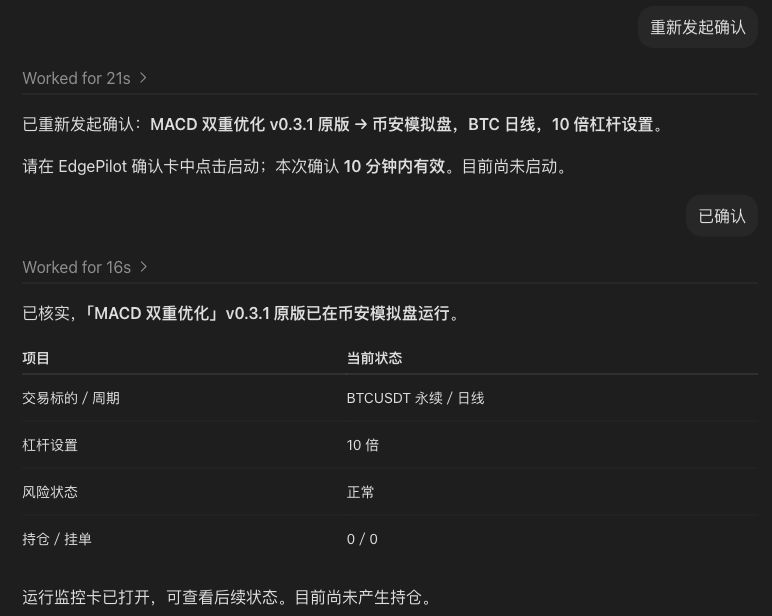
Reload the saved configuration, prepare a fresh confirmation and verify the resulting instance.
Reopen the current configuration
Close the old deployment dialog, refresh the strategy page and select the intended revision and preset again.
Check the trading environment, account, contract, interval, capital and sizing parameters. If settings changed, prepare deployment again from the current configuration.
Generate a fresh startup confirmation
Compare the new confirmation summary with the saved configuration, then complete the startup workflow on the page.
- Close the old confirmation and reload the strategy.
- Select the revision, preset, environment and account.
- Check parameters and prepare deployment again.
- Complete the new startup confirmation.
Confirm the instance is running
After submitting, open run monitoring and check the instance, start time, strategy revision, trading account and status.
If the instance is running with zero positions, continue by inspecting market data and signal records.
Check logs if startup fails
Find the first error from this startup attempt and identify whether it concerns account access, contracts, configuration or connectivity.
If the confirmation summary differs from the instance parameters, contact support with the current page and redacted logs.
Contact support: agent_strategy@algorover.ai