
Why is my strategy running without making any trades?
Last updated ·
Check startup, market data, entry signals and order records to find where trading stops.
Confirm that the strategy has started
Open run monitoring and check the exchange, demo or live environment, strategy revision and start time. A Running status means startup has completed. If the instance is still waiting for confirmation, reopen the confirmation page for the current configuration and complete startup. After installation and backtesting, you still need to start a trading instance.
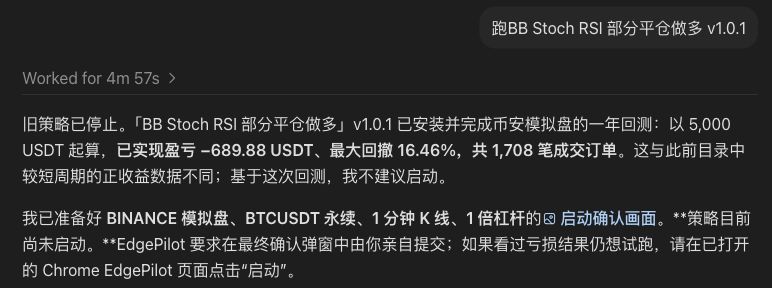
Check market data and entry conditions
Check the timestamp of the latest processed candle, the market-data connection and any active trading restrictions. Once data timestamps are advancing and the connection is healthy, inspect the strategy's signals.
Review the candle interval, signal evaluation time, trading session, warm-up length and cooldown. Some strategies require several indicators to agree before placing an order. A one-minute interval means the strategy evaluates minute-based data; fills depend on entry conditions and order execution.
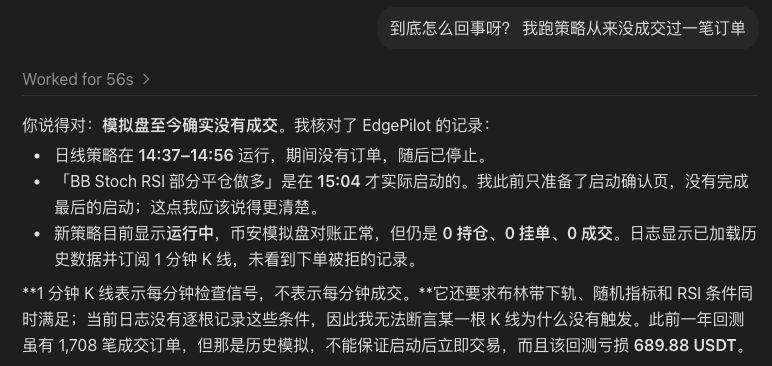
Follow the order status
No submitted orders: check signals, permitted entry hours, warm-up and risk limits.
Submitted but unfilled: check the limit price against the market, whether the order is still active, and cancellation, timeout or partial-fill records.
Rejected orders: read the exchange's original error code, then check account mode, position mode, available margin, side, quantity and permissions.
Verify the result
Confirm that the intended revision is running, market data keeps updating, trading restrictions match the configuration, and local orders match the exchange records.
For further investigation, collect the strategy name and revision, trading environment, start time, latest data timestamp and order logs.