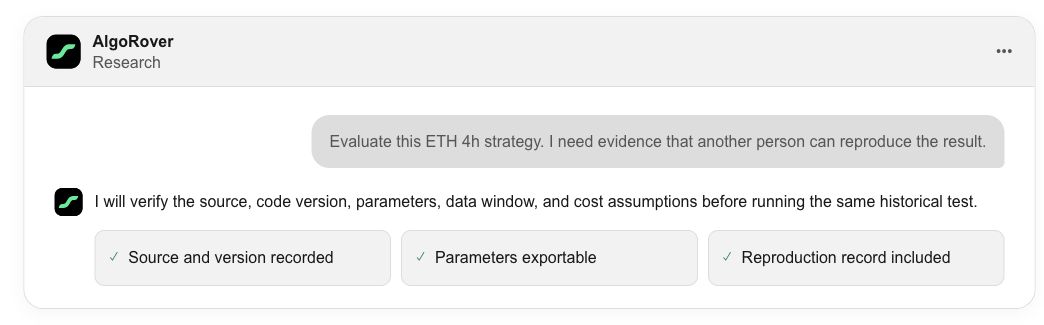
How do I start researching a strategy in AI?
Last updated ·
Open a strategy and copy its prompt to discuss it with your AI. Connect AlgoRover tools to continue with adjustments and backtests.
Choose a strategy in the library
Browse the strategy examples, trading logic and supported markets in the library. When you find a strategy you want to explore, click View details on its card.
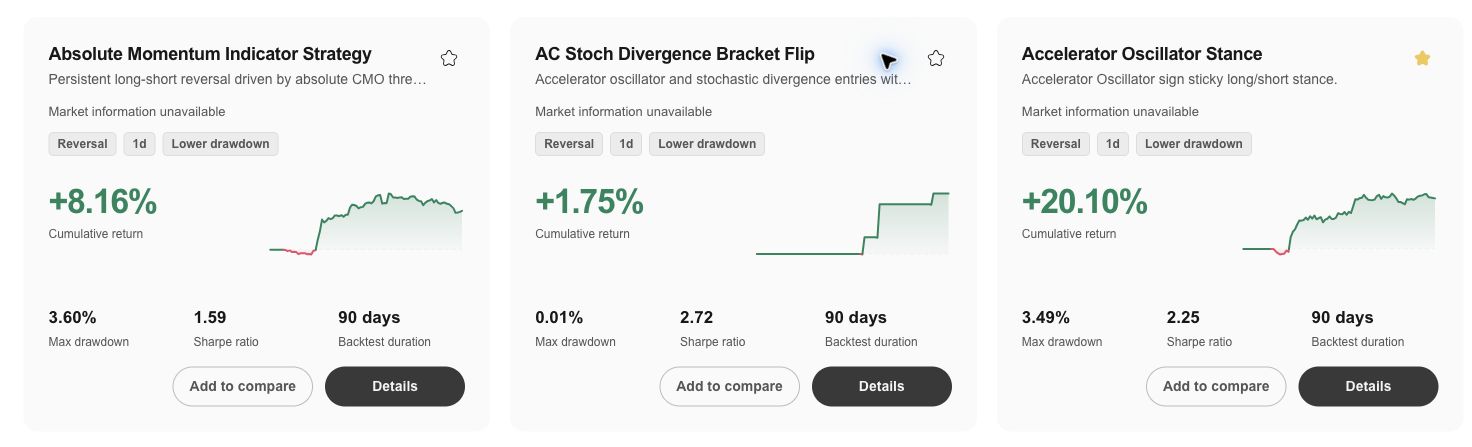
Open the strategy details
Review the strategy overview and backtest evidence. The Validate in AI panel on the right contains the AI workspace selector and the button for continuing your research.
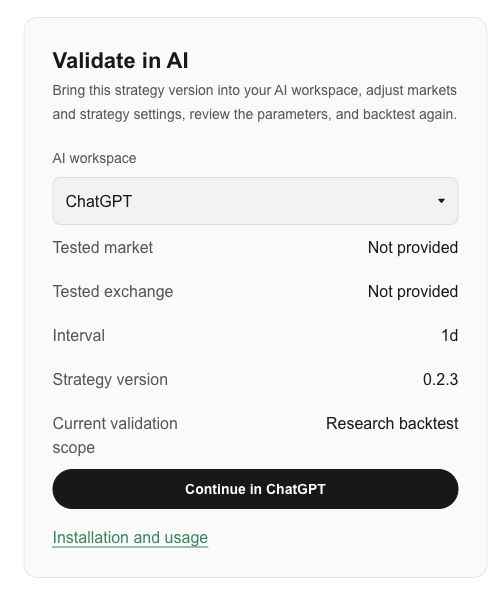
Select the AI you use
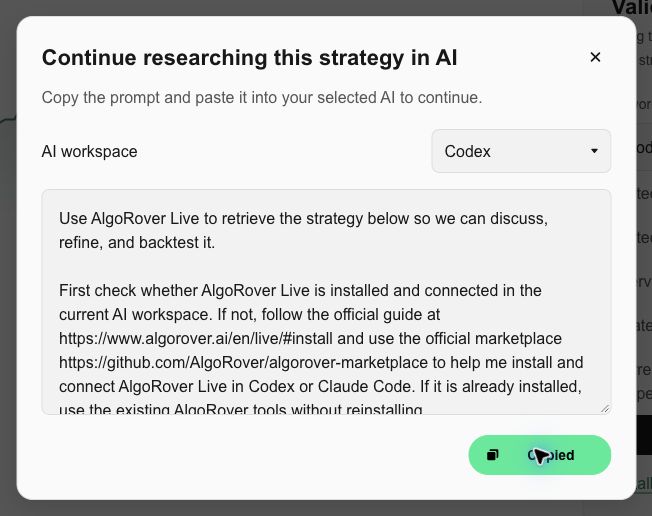
Select Codex, ChatGPT or Claude, then click the corresponding Continue button to open the prompt dialog. You can also change the AI workspace in the dialog. Choose the AI you actually use.
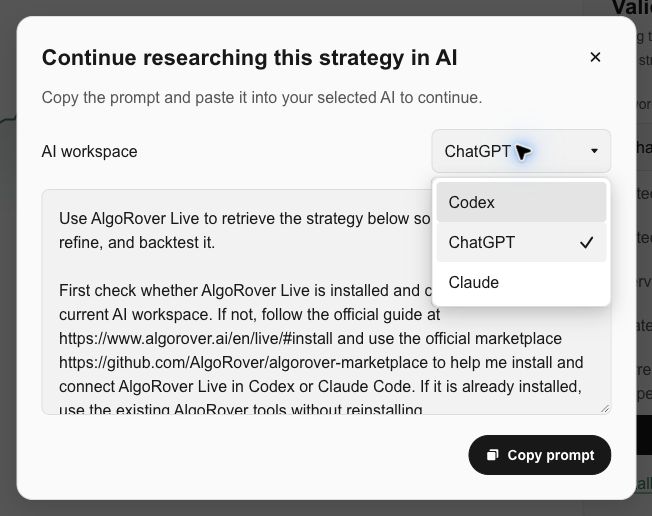
Copy the prompt and paste it into your AI
Click Copy prompt. When the button shows Copied, open your selected AI, paste the prompt and send it. The prompt includes this strategy and AlgoRover Live installation instructions.
Install the plugin in Codex or Claude Code. You can discuss the strategy in ChatGPT; running a backtest requires an AI environment connected to AlgoRover tools and an AlgoRover product login. If those tools are not connected, follow the installation guide and continue in Codex or Claude Code.
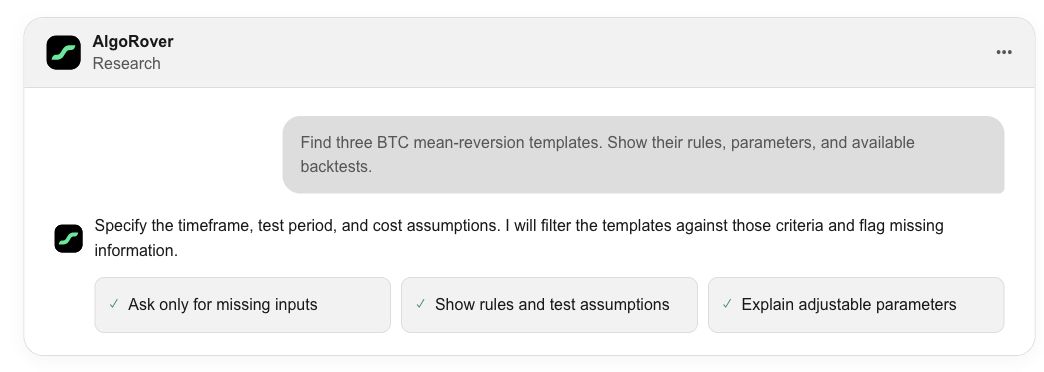
Explain what you want to test
Tell the AI which market, time frame, rules or parameters you want to examine. For an existing strategy, ask for a specific change and compare the backtests before and after it.
Keep the evidence in view
Compare the test period, data source and assumptions for fees and slippage alongside each version. A historical backtest describes the selected data and assumptions; it does not predict future results.