
Why are my strategies missing on a new computer or cloud server?
Last updated ·
Check the AlgoRover account, local strategy files, custom revisions and exchange credentials separately.
Verify the account and strategy lists
Sign in to AlgoRover on the target machine, verify the account, and inspect installed and custom strategies. Check your AI-tool account, AlgoRover account and exchange account separately.
If the list is empty, check the marketplace versions available to the account and inspect local strategy files on the original computer.
Transfer the correct custom revision
Record the strategy name, base version, custom revision and run preset. Transfer them using the currently supported export and import workflow.
Check the marketplace original and local custom revision separately. After transfer, compare the code, configuration and revision with the intended version.
Configure the target machine's account connection
Check exchange credentials on the target machine. Save them and test account access and connectivity.
Verify demo or live mode, account, contract, interval, capital basis, allocation and exposure limit before preparing deployment.
Switch from the old instance to the new one
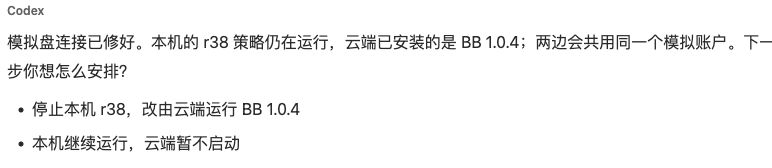
Complete installation, sign-in and configuration on the target machine, then arrange the old instance's stop and the new instance's start. Decide which machine controls trading when both use the same account.
After switching, inspect the old instance's status, remaining positions and orders, the new instance's run records and account reconciliation. To continue with existing positions, use the product's supported recovery workflow.
Check what happens when a computer shuts down